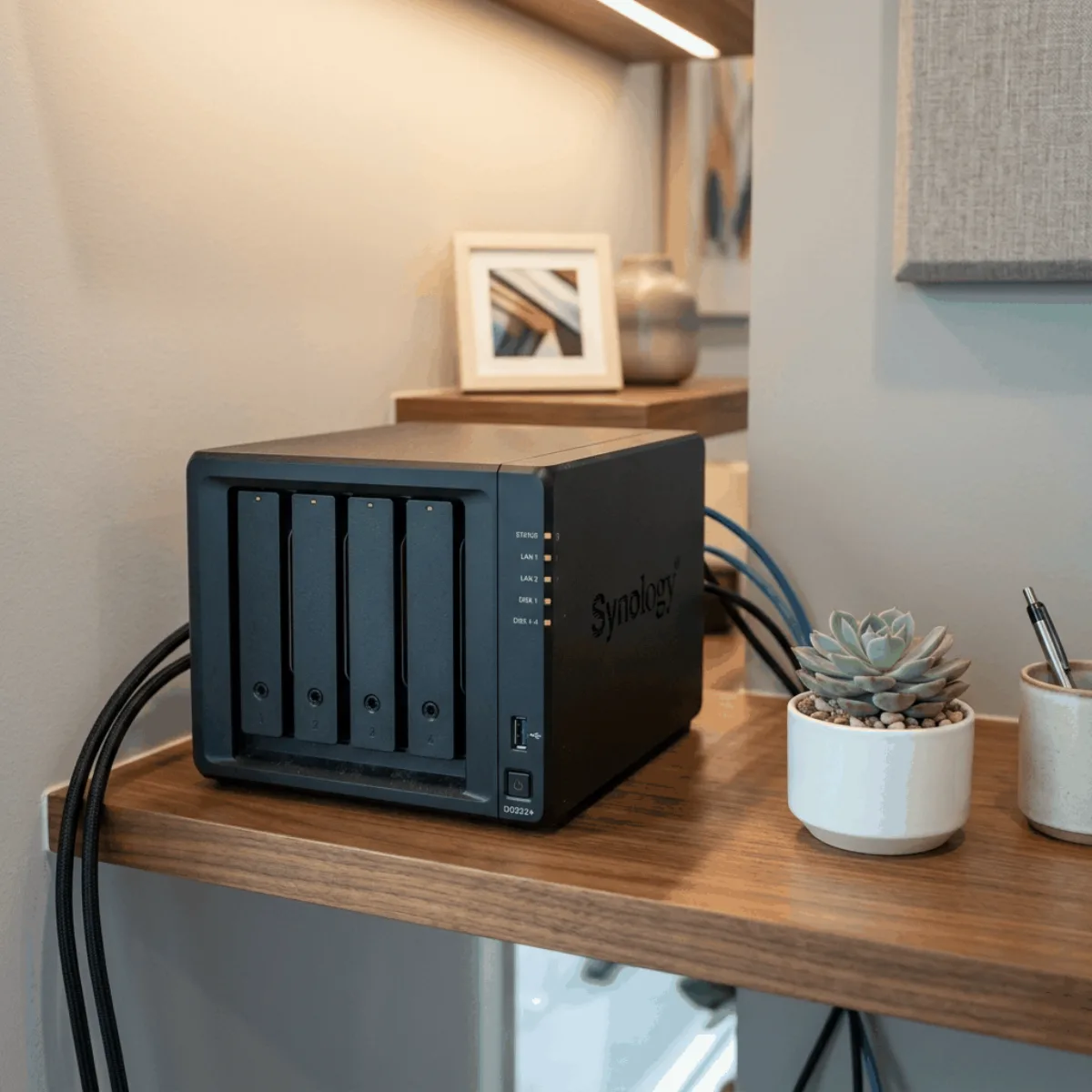
Dispositivo NAS de almacenamiento en red instalado en una oficina

NAS storage in the Canary Islands

NAS and backup on rental

Secure shared storage in the office. Ideal for automated backups of workstations and access to files with permission control.

  • Fixed monthly fee over 12 to 60 months, no surprises
  • Installation and setup included

Network storage

You find out about your backups the day you need them

Everyone thinks there are backups until someone deletes a folder or a drive won't boot. That's when you see the reality.

Important files live on someone's computer

If that computer fails or that person leaves, months of work go with it.
Everyone sees everything

Shared folders with no permissions, where anyone can move, delete or view what isn't theirs.

Backups are done by hand, when someone remembers

An external drive in a drawer that gets plugged in now and then. It's the backup that's almost never up to date.


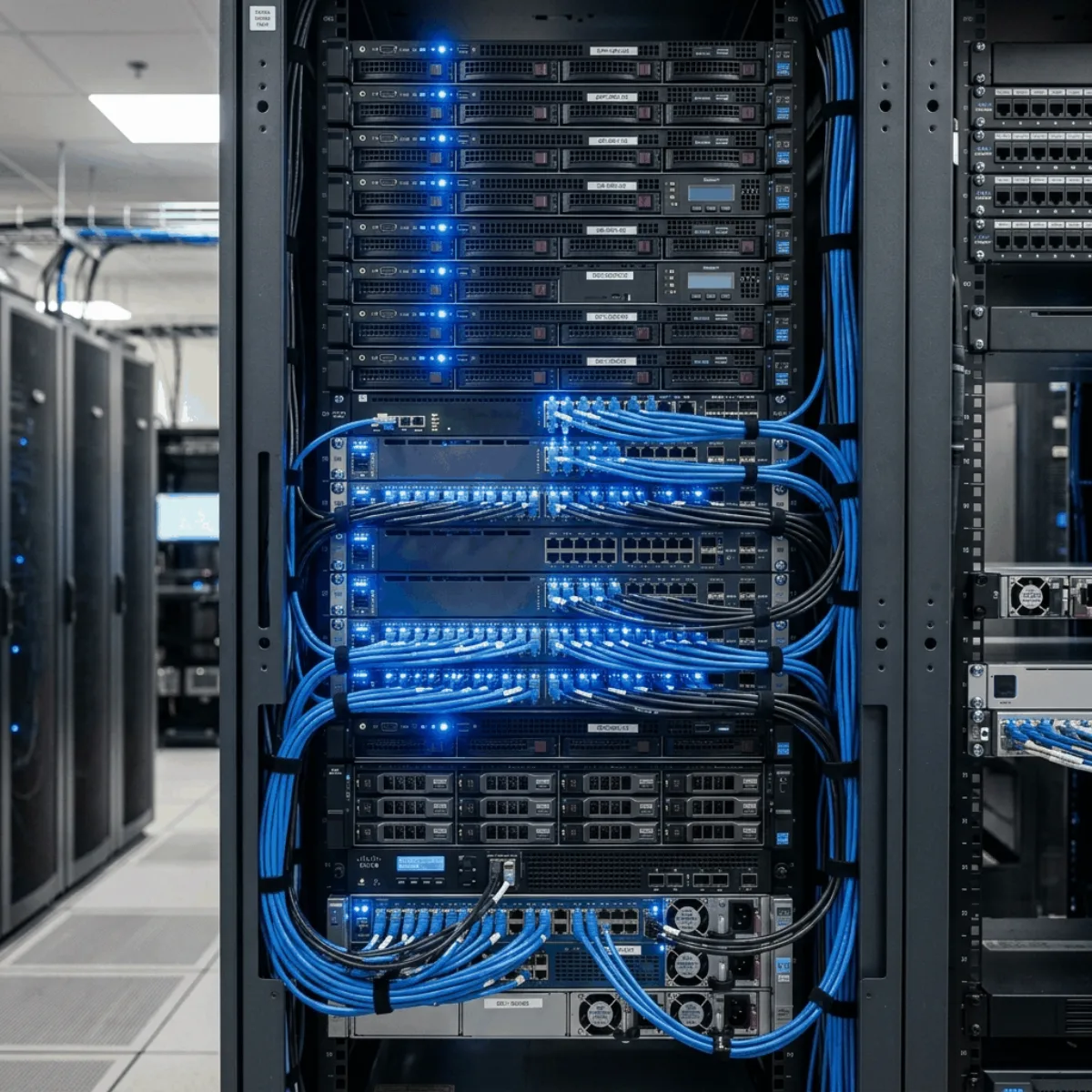
Equipamiento informático profesional para empresas

What the NAS includes

What NAS rental for businesses includes

The device arrives installed on your office network and configured. Installation is included in the monthly fee.

  • The NAS deviceCapacity sized to what you handle today and what you expect
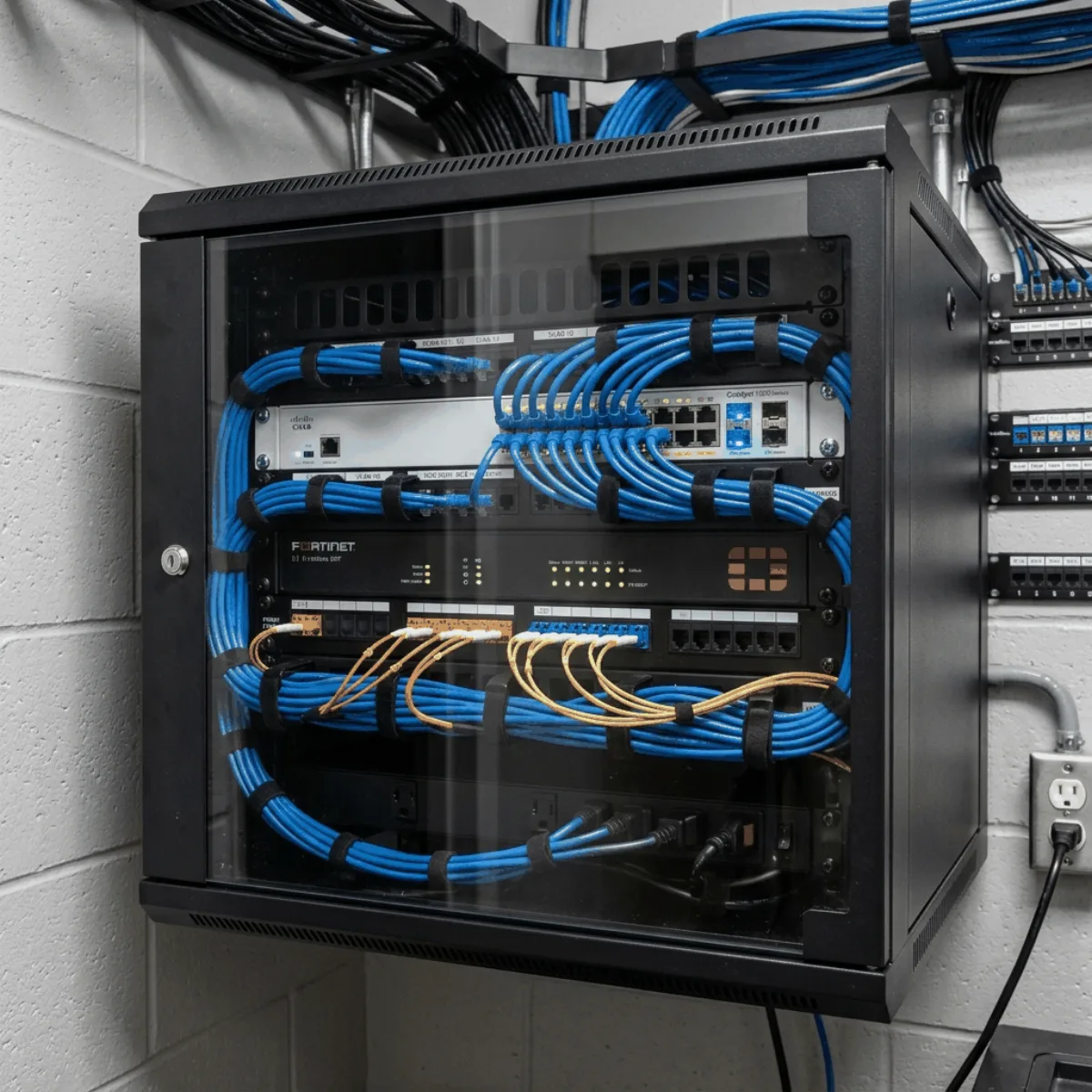
  • Network installationMounting, connection and initial configuration
  • Permission controlAccess to files with permission control
  • BackupsIdeal for automated workstation backups

Installing the NAS

How to rent a NAS for your business, step by step

We look at what you need and prepare a tailored proposal.

Tell us what you need

By WhatsApp or by phone. Once we know which premises or office needs equipping and how many workstations or screens are needed, we can quote.

We send you the monthly fee and the term

A specific proposal with the chosen equipment and the term that suits you, from 12 to 60 months. The operation is approved by the finance company.

We install it and leave it up and running

Installation and setup included, at no extra cost.

Advantages of a rented NAS

Why renting the NAS works out better than buying it

They're the same for any equipment: what changes is how much they matter in your case.

Lower upfront outlay

You get the project going by spreading the investment over the agreed term.

Fixed, budgetable monthly fee

You know the amount and the length of the contract in advance, from 12 to 60 months.

All-inclusive

All-Inclusive monthly fee, with installation and setup included.

Zero obsolescence

When the contract ends you upgrade to latest-generation equipment. You're not left with scrap.

NAS for businesses

Who a NAS with backups is right for

Better to know before you get in touch: that way neither of us wastes time. Below, the uses where it comes up most.

This is for you if…
  • You have premises, an office or a centre that needs equipping now.
  • You'd rather pay a fixed monthly fee than a lump sum.
  • You want installation and setup included.
It's not for you if…
  • You need to own the equipment from day one and prefer to pay for it in one go. That's direct purchase, and we do that too: same equipment, same installation and same service, with a fixed quote instead of a monthly fee.
  • You're looking for a standalone device at the lowest possible price, with no advice or installation.
Shared company archive

Documentation, projects and files accessible from every workstation.

Workstation backups

Automated, so you don't depend on everyone saving things where they should.

Working by department

Folders with different permissions for administration, technical or management.

Buy or rent a NAS

NAS storage: owned or on a monthly fee

Nobody disputes that the equipment is needed. What changes is where the money comes from and what you have four years from now.

Buy itEquipa Renting
What you pay todayThe full price of the equipment, in one go.Lower upfront outlay.
What happens to your cash flowIt ties up capital your business needs.You pay for it while it earns you money.
Four years from nowThe equipment is yours. Even if it's four years old.You upgrade to the latest generation, or return it.

From 12 to 60 months with the same monthly fee. It's rental, not leasing: there's no purchase option at the end — when it ends you renew or return. If you'd rather buy it, we'll sell it to you too, with the same installation and the same service: see the details in direct purchase or rental.

IT rental

Other IT equipment on rental

Each one has its own page: what it solves, what it includes and what you need to know to get a quote.
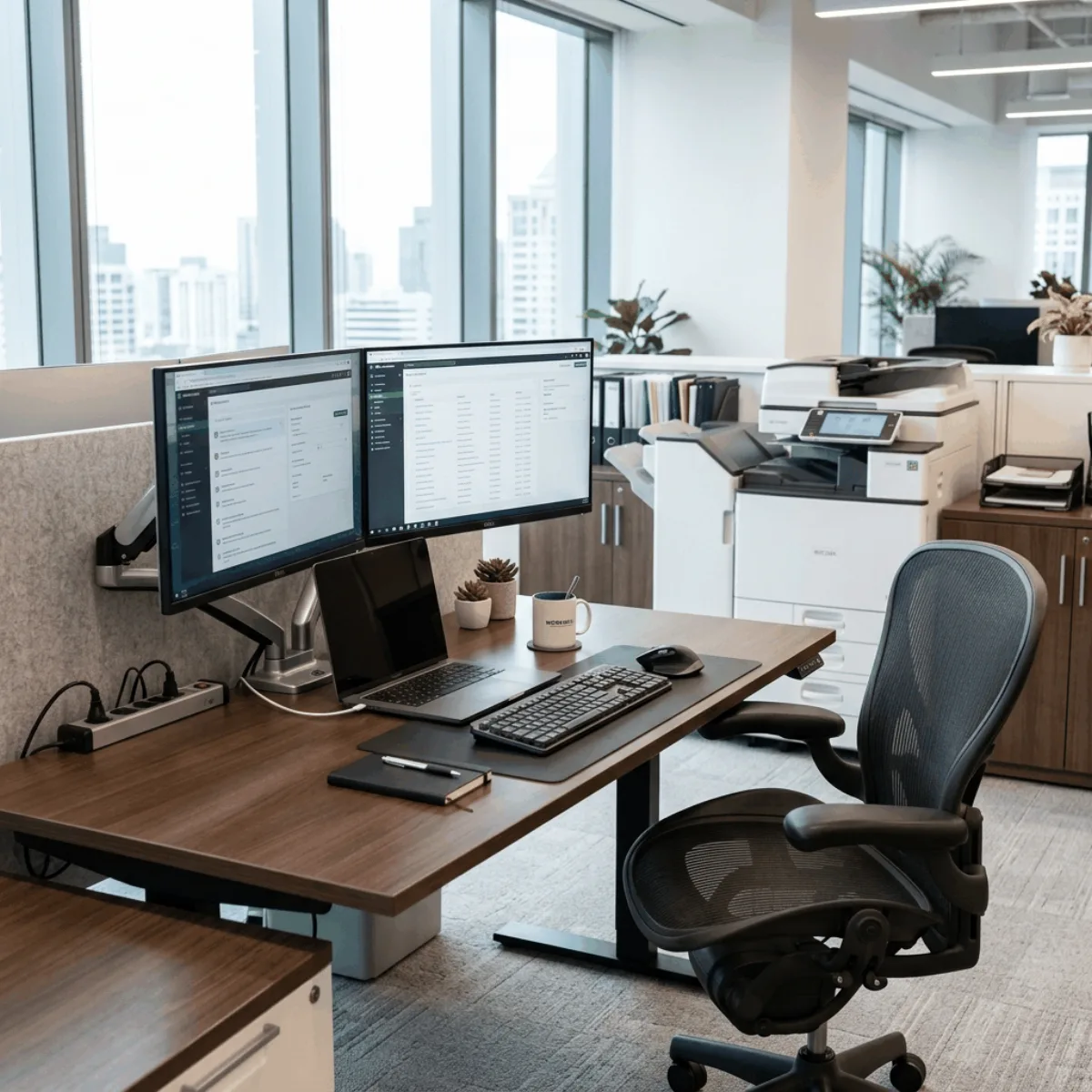
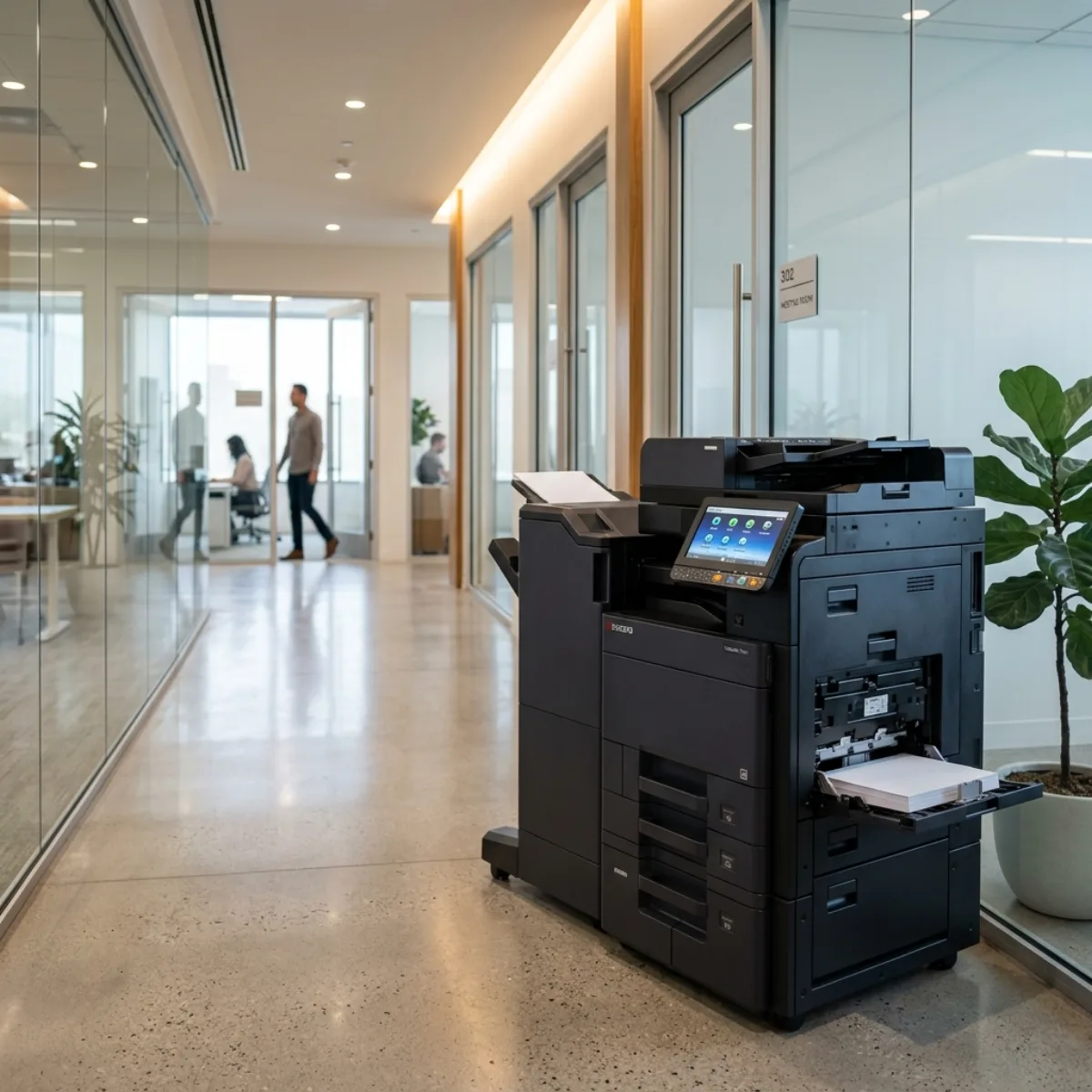
Impresoras y fotocopiadoras
Printers and photocopiers

Kyocera, with technical service usually within 24–48 h
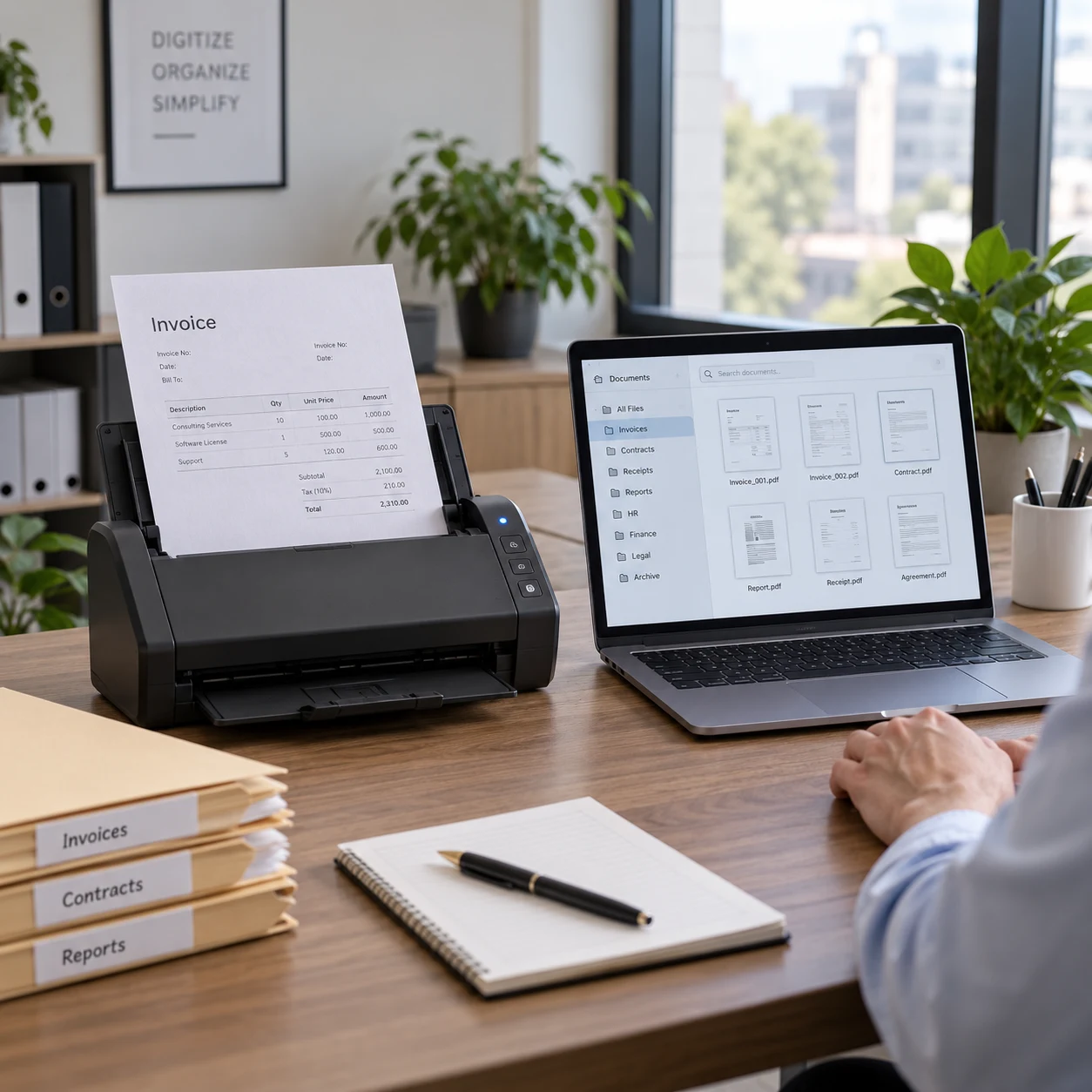
NAS rental

Frequently asked questions about NAS and backup

And if yours isn't here, tell us and we'll answer it with no obligation.

Does this replace the cloud?

It's a private cloud: files are shared and accessed the same way, but the data stays in your office.

Can I set different permissions per department?

Yes, it's one of the main reasons to set it up: each user only accesses what applies to them.

What exactly does the monthly fee include?

It's presented as an All-Inclusive monthly fee, with no separate line items. Installation and setup are always included at no extra cost, also if you choose direct purchase. The included services are detailed in each proposal and contract.

How long is the contract and is there a purchase option?

From 12 to 60 months, and 60 is the most common. It's rental, not leasing: there's no purchase option at the end. When it ends you renew or return. If you'd rather buy the equipment, we'll sell it to you too — see the comparison in direct purchase or rental.

NAS price

How much does NAS rental cost

With the volume, the users and whether remote access is needed, we'll prepare the proposal.

  • Installation and configuration included.
  • Permission control per user.
  • All-Inclusive monthly fee, no separate line items.
Or leave your number and we'll call you

Four details. That's enough to quote.

Get a quote

By submitting you agree that we may contact you to answer your enquiry. Your data is not shared with third parties. Privacy policy.